Offline check-in: preparing the door before doors open
One week out: settle how your door works
The day before: set up every device
The hour before doors: test like it is real
Decide the hard cases in advance
After the event: close the loop
How Enigma Events handles it
Frequently asked questions.
Related articles
Guest lists, staff, and press: one registration instead of five spreadsheets
White-label ticketing: what it changes for an organizer
See it with your own event.
Platform
Use cases
Resources
Company
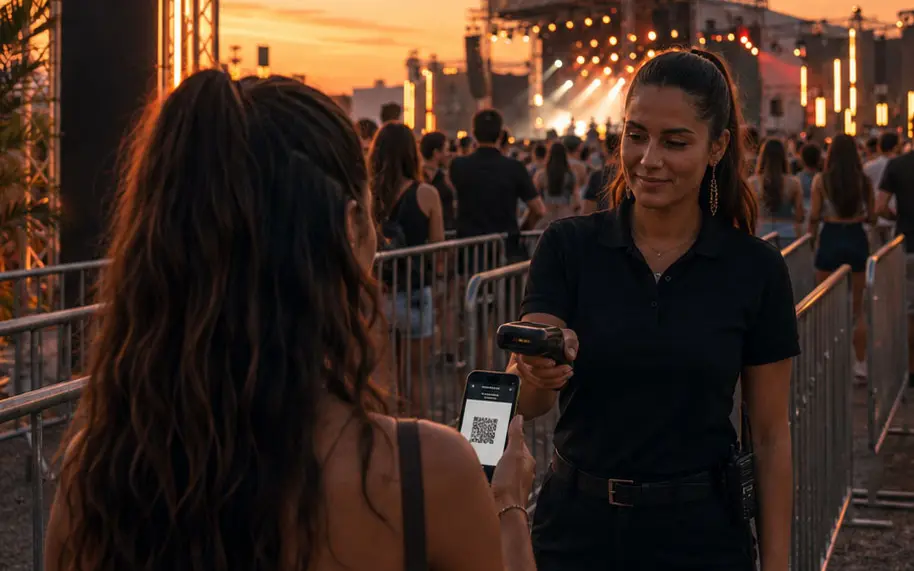
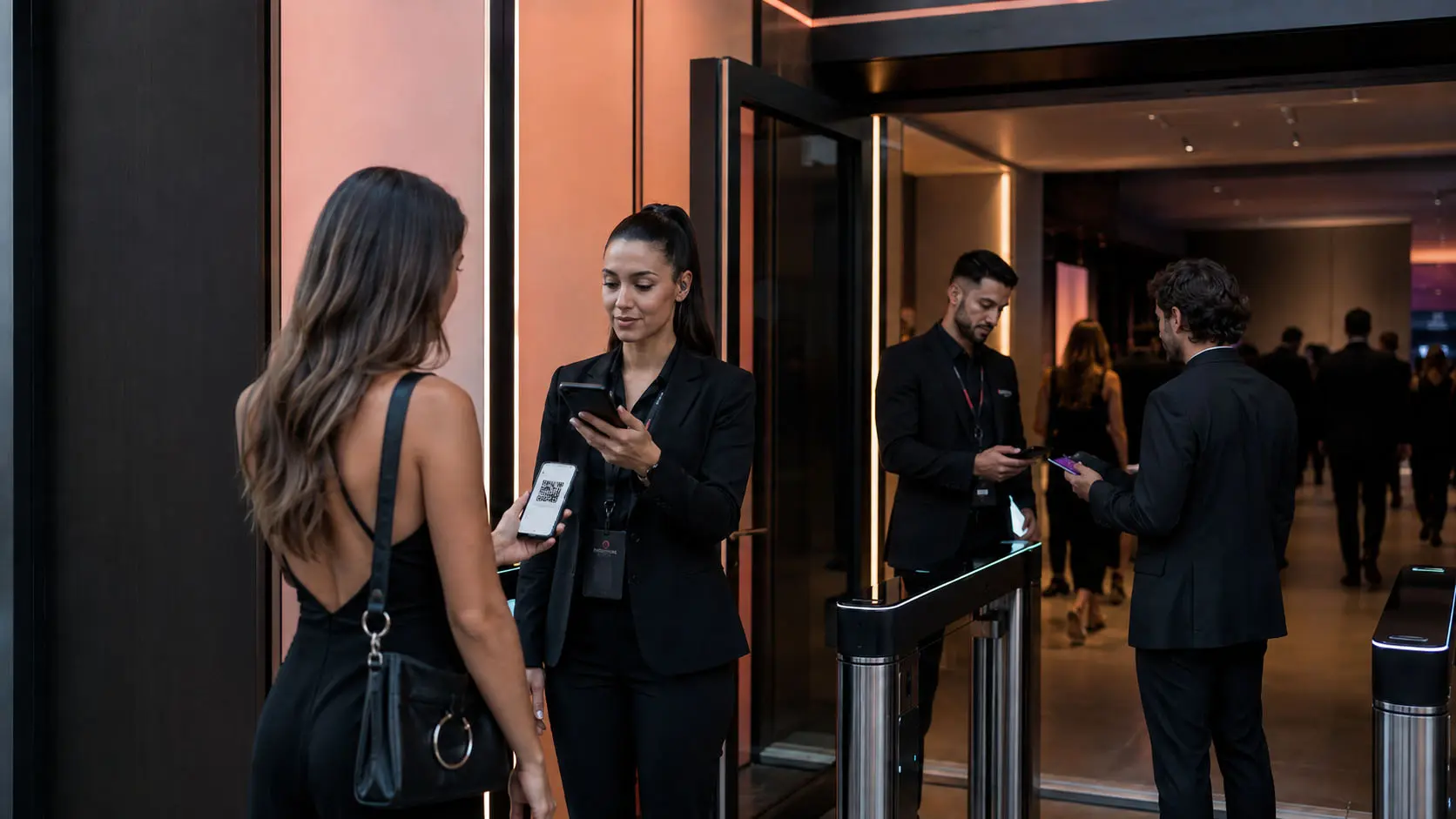
Offline check-in: the staff app keeps validating tickets even when the venue signal drops. See how it works
Create and publish
Sell and collect
Run the door
Measure and communicate
Resources · Access control
Offline check-in works when every scanning phone holds the ticket data before the crowd arrives, validates without a server, and uploads entries when the connection returns. Preparing it is mostly timing.
November 17, 2026 · 4 min read · Enigma Events team
Key takeaways
Venue networks fail at peak entry: the door has to work on its own.
Set up every device the day before, on a good connection, with batteries and labels.
Run a ten-minute offline test with your real staff an hour before doors.
Give scanners a short card with the answers for used, missing, and screenshot tickets.
Offline check-in works when every scanning phone already holds the ticket data before the crowd arrives, can validate a ticket without asking a server, and uploads its entries as soon as the connection comes back. Preparing for it is mostly timing: what you set up the week before, the day before, and the hour before doors open.
Venue networks tend to fail at the worst moment, when hundreds of phones in a packed lobby compete for the same signal. A door that only works online is a door that stops exactly when the line is longest.
Start by confirming how your scanning app behaves without a connection. Ask your provider a plain question: if I turn off mobile data halfway through entry, does the app keep validating? If the answer involves a manual fallback, plan for it now, not at the door.
Then write down your door plan:
How many entrances you will open and when.
How many scanners each entrance needs at peak, plus one spare per entrance.
Who supervises each entrance and has the final word on exceptions.
Where the help desk sits, away from the main line.
Which ticket format you will accept: a code in the buyer's app, a code in an email, or both.
The day before is for hardware and accounts. Every one of these should be done before anyone leaves the office:
Each scanner has a user account and is assigned to the right event.
Every phone runs the current version of the app.
Every phone has opened the event on a good connection, so the ticket data is on the device.
Phones are fully charged, and each scanner has a battery pack.
Your accreditation list for staff, suppliers, press, and artists is closed and loaded.
Label the phones. When something goes wrong at peak, “scanner 3 at the north gate” is far faster to fix than “one of the phones”.
This is the step most teams skip, and the one that saves the night. Take ten minutes with your door supervisors:
Turn off data on two phones and scan a few test tickets.
Turn data back on and confirm those entries show up in the dashboard.
Scan the same ticket on two different phones and see what each one shows.
Walk through what staff say to a guest whose ticket was already used.
A ten-minute test with your real staff tells you more than any feature list, and it teaches the team what an error looks like before they see one in front of a guest.
Doors slow down when staff have to invent a rule on the spot. Give every scanner a short card with the answers:
Already used: send the guest to the supervisor, who checks the time and gate of the first entry.
Not found: send the guest to the help desk to look up the order by name or email.
Screenshot of a ticket: if your tickets use a code that refreshes in the buyer's app, an old screenshot will not work; say so in your confirmation email.
Badge outside its day or zone: call the person responsible for that company or team.
When everything has synced, review the entry log. Look for duplicate scans recorded while scanners were offline, tickets that were sold but never used, and the time when the line was longest. Those three facts tell you how to staff the next door better than any rule of thumb.
Then sit down with your door supervisors while the night is still fresh. Ask what slowed them down, which questions guests asked most, and which hard case came up that nobody had written on the card. Add the answers to next event's plan. Over a few editions, that short conversation turns into the most useful document your operations team owns.
The Enigma Events staff app keeps validating without internet, stores entries on the phone, and uploads them when it reconnects. It warns at the door when a ticket was already used, and any conflict between two offline scanners is logged for you to resolve. You can see it under access control . To understand what changes when tickets are sold under your own brand, read white-label ticketing: what it changes for an organizer .
Questions
The scanning app keeps the ticket data on the phone, validates each ticket on the device without asking a server, and uploads the entries when the connection comes back.
Each phone records it on its own, and the conflict shows up when they sync. What matters is that it is logged so a supervisor can review it.
It depends on how many people arrive at peak, how many entrances you open, and whether there is a security check first. Plan for your longest line, with one spare scanner per entrance.
Keep reading
Accreditation · 4 min read
Treat everyone who comes in without a ticket as one roster with categories, daily quotas, and zones. Let each company register its own people, set a cutoff, and give the door badges it can scan.
Read article
Ticketing · 4 min read
White-label ticketing means buyers purchase on your site, under your brand, while a platform runs checkout, tickets, and the door. What changes is ownership: the buyer relationship and the data stay with you.
Read article
In the demo we use your venue, your tickets, and your door as the example.
Enigma Events is the ticketing, registration, and access control platform organizers use to create, sell, and run events under their own brand. Part of EnigmaSuite .
White label
Events and tickets
Seat maps
Payments and box office
Access control
Accreditations
Campaigns and reports
Producers and promoters
Event agencies
Venues and theaters
White-label ticketing
Fairs, expos, and festivals
Corporate events
Book a demo
Pricing
Articles
Customer sign-in
EnigmaSuite
Enigma Workforce
+1 647 509 5220
Privacy notice
Trust center
Español
English


 See how it works
https://enigmaevents.net/events/en
Producers and promoters Concerts, festivals, and tours.
Pricing
Resources
ES
Book a demo
white-label ticketing: what it changes for an organizer
Accreditation · 4 min read Guest lists, staff, and press: one registration instead of five spreadsheets Treat everyone who comes in without a ticket as one roster with categories, daily quotas, and zones. Let each company register its own people, set a cutoff, and give the door badges it can scan. Read article
EnigmaSuite
Customer sign-in
Enigma Workforce
Privacy notice
Trust center